2025 Back-to-School Refurbished Tech Guide for Students

Another school year's just around the corner. That means it's time for parents and students to start thinking about back-to-school shopping.
Unfortunately, big technology purchases can be a little pricier than they used to be.
The problem is twofold. First, hybrid learning has completely transformed K-12 education, creating an environment where computers are more or less essential. Unfortunately, the restrictive budget of many school districts precludes them from being able to provide every student with a laptop.
Refurbished technology can help bridge that gap.
TL;DR:
Get ready for back-to-school with affordable, reliable refurbished laptops and desktops from System Liquidation. Refurbished tech offers the performance of new devices at a lower cost—plus warranties and free U.S. shipping. Learn how to choose the right system based on your needs, budget, and school requirements. Shop top brands like Dell, HP, and Lenovo and save even more during our current promotion.
5 Key Takeaways:
-
💻 Refurbished vs. Used: Refurbished laptops are professionally tested, repaired, and come with warranties—unlike most used devices.
-
🔍 Specs to Look For: Ideal student laptops have at least an Intel i5/Ryzen 5, 8GB RAM, and 256GB SSD for everyday tasks.
-
💸 Budget-Friendly: Get higher-end tech for less, and stretch your budget further with active discounts and buyback savings.
-
🏫 Brand Matters: Trusted brands like Dell, Lenovo, HP, and Apple are best for school—offering durability and performance.
-
✅ Warranty & Support: All System Liquidation computers come with a 1-year warranty and 90-day battery coverage for peace of mind.
What Makes Refurbishment a Smart Choice for Students?
Anyone trying to find cheap laptops for sale has more than likely come across a refurbisher. Sometimes, it can be confusing at first to tell the difference between certified refurbished devices compared to just buying used.
The answer lies in the refurbishment process. Before they list refurbished computers for sale, the vendor inspects the systems for damage or defects. They then repair each system, returning it to working order and testing it extensively.
The end result is a laptop or desktop computer that offers the same performance and reliability as factory-new hardware. The only real difference is that you're paying less for the refurbished model. That means you can stretch your budget a great deal further, potentially getting access to much higher-quality hardware than if you were buying new.
You don't get any of that buying used. Whether you're purchasing on Amazon or Best Buy, used laptops and desktops are basically a case of “what you see is what you get”. While you might potentially be able to find one for cheaper, it's usually at the cost of guaranteed quality and reliability — used systems haven't been tested or repaired.
You're also sacrificing peace of mind to an extent. Most refurbishers offer a one-year manufacturer's warranty that covers both parts and labor. Used products, even those offered by certified resellers, typically aren't warrantied.
Again, what you see is what you get.
Lastly, compared to buying new, refurbished technology tends to be better for the environment. You're purchasing a system that might otherwise have gone to a landfill. This consequently reduces the demand for new systems, which potentially has an indirect impact on how many devices need to be manufactured in the long term.
How to Find The Right Refurbished Laptop for School?
So how and where do you find refurbished laptops for sale? Where do you look, and how do you know whether you've found a good deal? We've put together a guide to walk you through the process.
Figure Out Your Hardware Needs
Start by figuring out what you'll be using the laptop to do. If you're mostly just going to be writing papers, attending virtual lessons, and browsing the web, you can get away with lower specs than if you're doing something more intensive like programming or graphic design. For general use, we recommend the following:
- Processor: Intel Core i5 or AMD Ryzen 5
- RAM: 4GB-8GB
- Storage: 256GB SSD
For more resource-intensive activities and disciplines, you'll want at least 16GB of RAM and an Intel i7 or AMD Ryzen 7 equivalent processor. You may also need to look for a system that features an onboard graphics card.
Lastly, if you're purchasing a laptop, there's the matter of battery life. Think about where you'll be studying and going to school. If there's easy access to power and plenty of outlets, battery life is less of a concern.
That said, most decent laptops last an average of four to eight hours on a single charge. In most cases, this should be more than enough to get you through the school day (or at least keep you going until you can find a charger. Higher-end models can potentially last up to 20 hours.
Think About Your Operating System
There's a good chance that you're going to end up buying a Windows system. If you do, we recommend trying to prioritize laptops and desktops with Windows 11. They may cost a bit more than Windows 10 systems, but they lack a major bugbear of their predecessor.
Namely, that Windows 10 is reaching end-of-life status in October 2025.
While it'll remain usable, Microsoft will no longer provide free security updates, support, or software updates. This means that using it will become increasingly risky. Say, for instance, someone discovers a security flaw in Windows 10 around November.
Every time you connect to your school's wireless network or browse the Internet, there's a chance you might encounter a bad actor looking to exploit that flaw — and in so doing, gain access to your personal data.
Define Your Budget
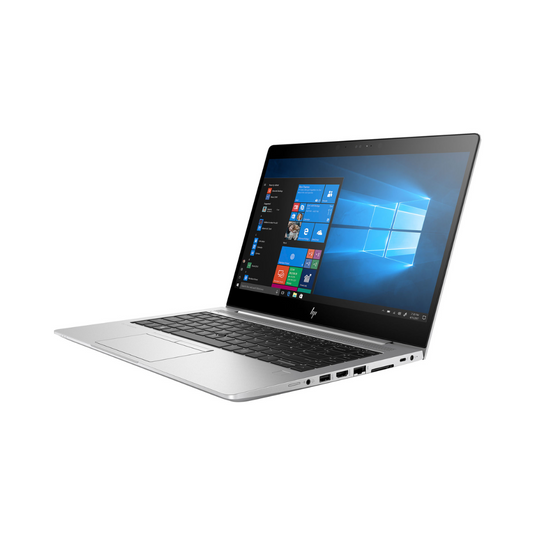
Once you've got a general idea of your ideal specs, you can figure out your ideal price. While refurbishment is a great deal more affordable than buying new, costs can still have a broad range of prices. Just take a look at some of our top listings, all of which are currently on sale:
- Apple MacBook Pro 15 : 2.4GHz Intel Core i9-9980HK, 32GB RAM, 512GB SSD
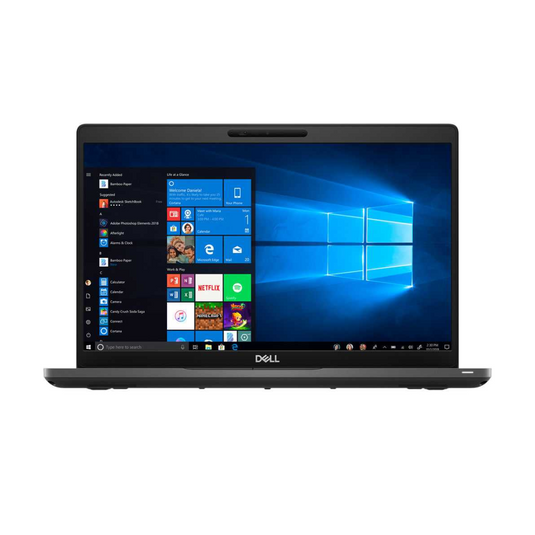
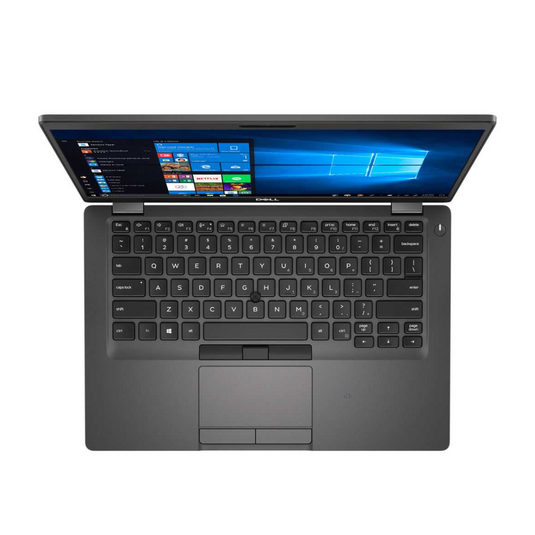
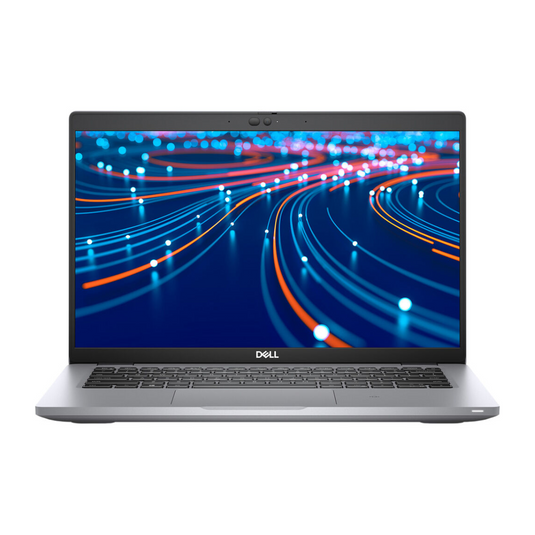
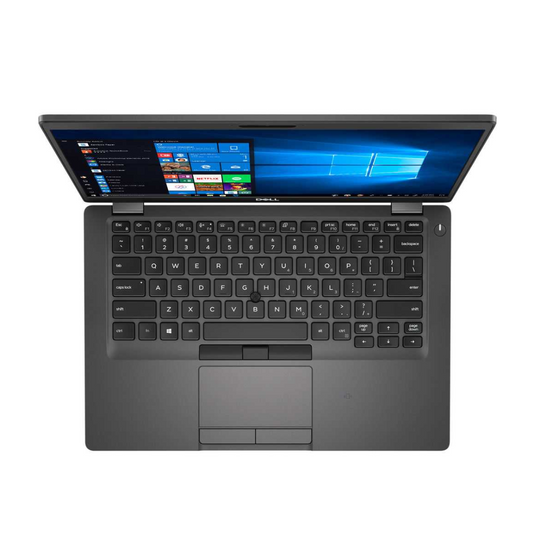
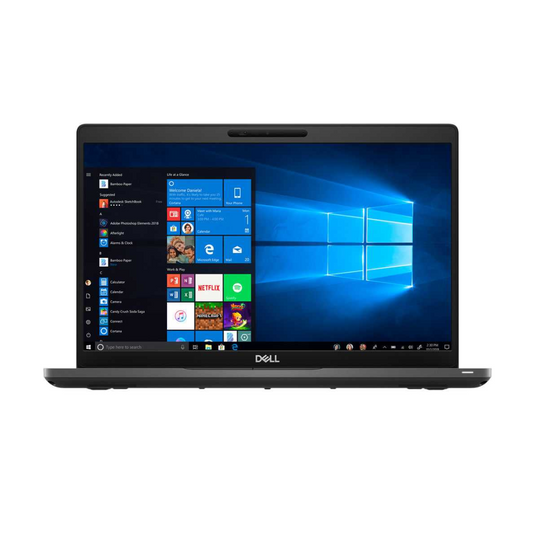
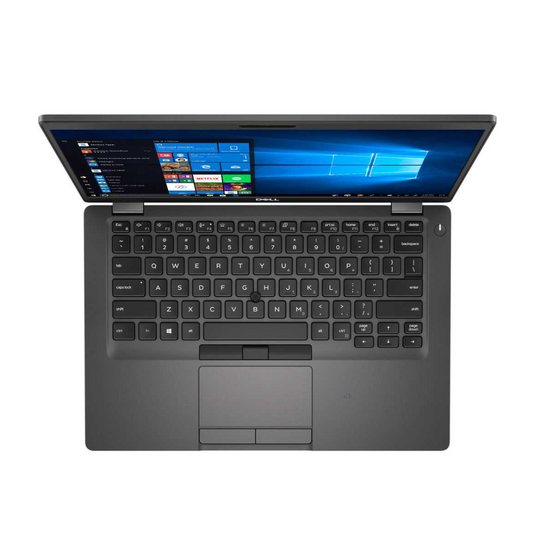
- Dell Latitude 7420 : 14" Touchscreen, 3.0 GHz Intel Core i7-1185G7 32GB RAM, 256GB SSD
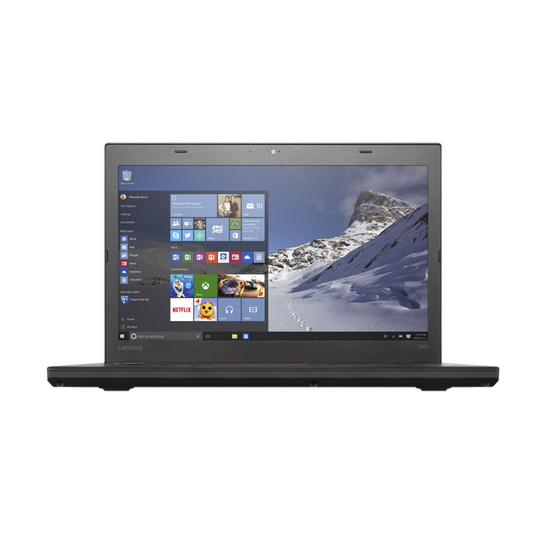
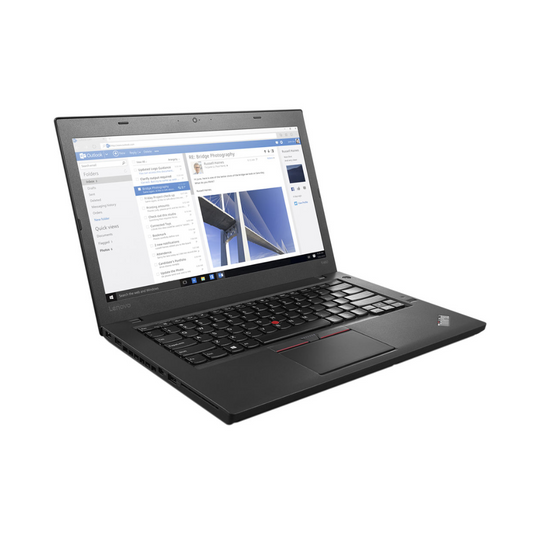
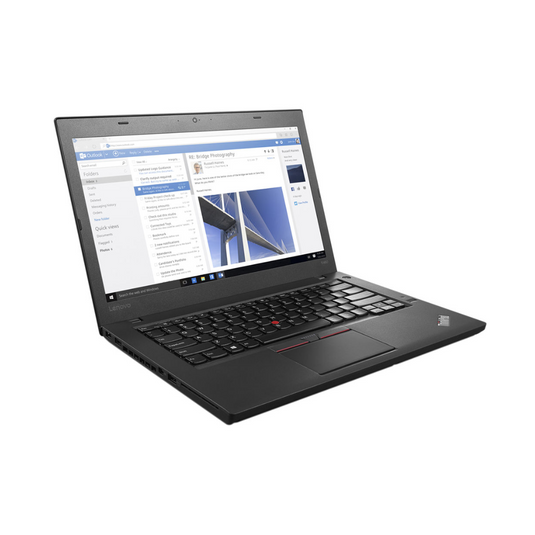
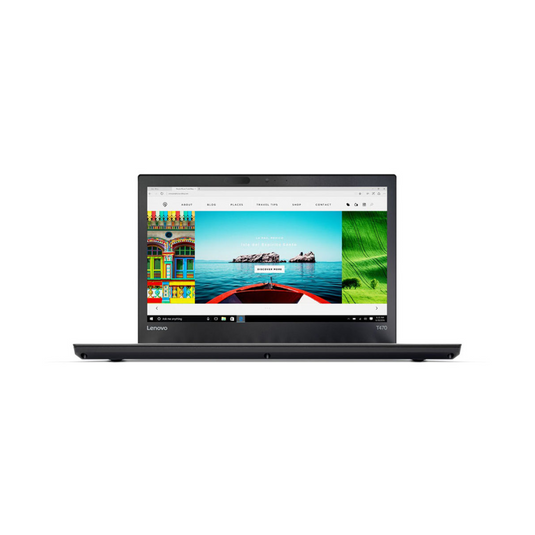
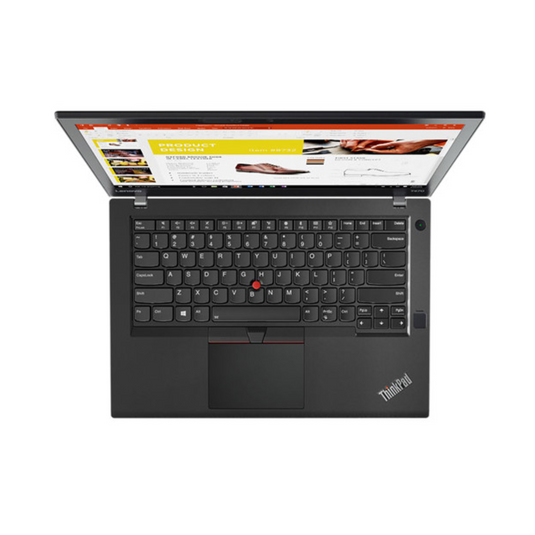
- Lenovo ThinkPad T590s: Intel Core i5-8250U, 16GB RAM, 256GB SSD
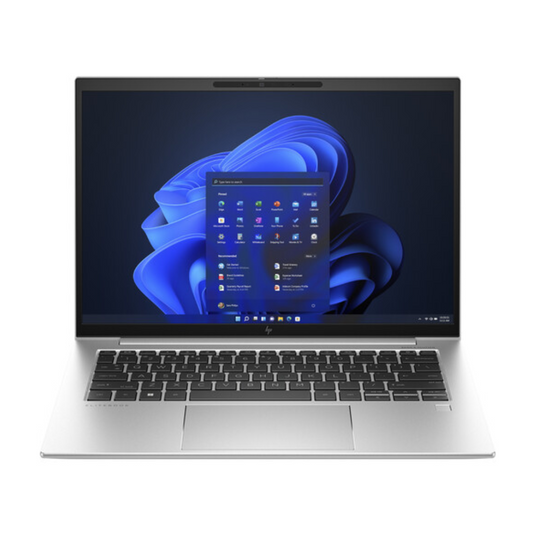
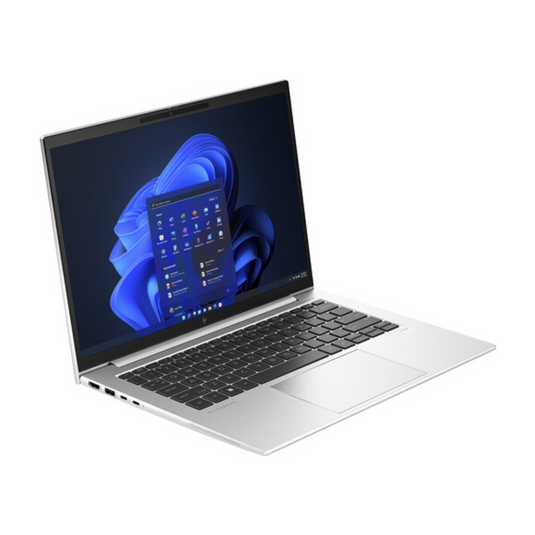
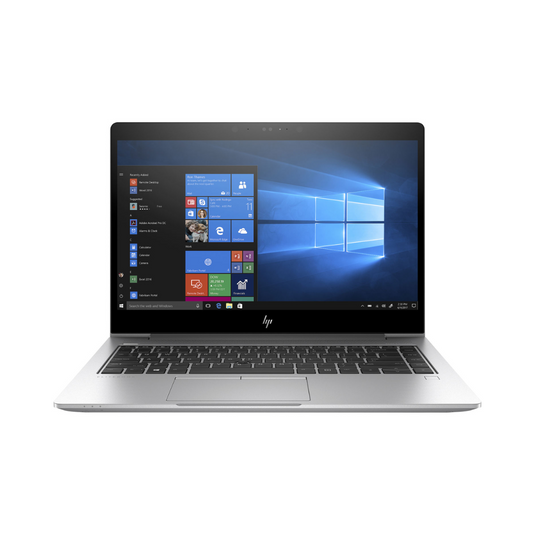
- HP EliteDesk 830 G7: 1.8 GHz Intel Core i7-10610U, 32GB RAM, 256GB SSD
Shop around a bit to figure out how much you're willing to spend, then set a maximum price and stick to it. Bear in mind that if you have an old system to trade in, you may be able to unlock additional savings through a buyback program.
Look for a Reputable Vendor
When purchasing a refurbished laptop or desktop, you can't just think about what system you're buying. You also need to consider who you're buying it from. Look for a reputable reseller with:
- An established track record
- Partnerships with companies like Microsoft, Dell, HP, Lenovo, and Acer
- A comprehensive, certified quality assurance process
- Positive customer feedback on review sites as well as on communities like Reddit
- Transparent pricing, warranty, support, and return policies
Focus on Trusted Brands
Dell, Lenovo, and HP are regarded as some of the top laptop brands for education, known for combining durability, reliability, and performance. That doesn't mean they're your only options, however. If you're going to school for sound design or graphic design, for instance, a MacBook might be a better choice than a Windows PC.
You've two options here. The first is to stick with the brands you know. Alternatively, if you're going into a specialized field of study, you can do some research into what manufacturers and models tend to be most common.
Check Condition and Grade
Once a refurbished system's been fully repaired and tested, it's assigned a grade. These classifications give you an at-a-glance idea of a system's quality and condition. Here's what each grade typically means:
- Grade A. Excellent condition, closely resembling a new system in both performance and functionality
- Grade B. Good condition and functionality, but displays some signs of wear and tear
- Grade C. Functional with noticeable signs of wear and tear
- Grade D. Extensive wear and cosmetic damage with potential functionality issues
- Untested/Not Specified. A system that hasn't been put through extensive refurbishment
- Parts/Salvage. Severe functional issues. Not intended for use.
Review Peripherals and Accessories
Think about what you might need besides your computer. Most laptops feature a built-in webcam and microphone, and if you're purchasing a laptop, it'll typically come with a battery and charger. Similarly, a desktop will occasionally come with a keyboard, mouse, and monitor.
At the same time, you may want to budget for additional peripherals such as:
- A USB mouse and (for desktops) keyboard
- A combination headset/microphone
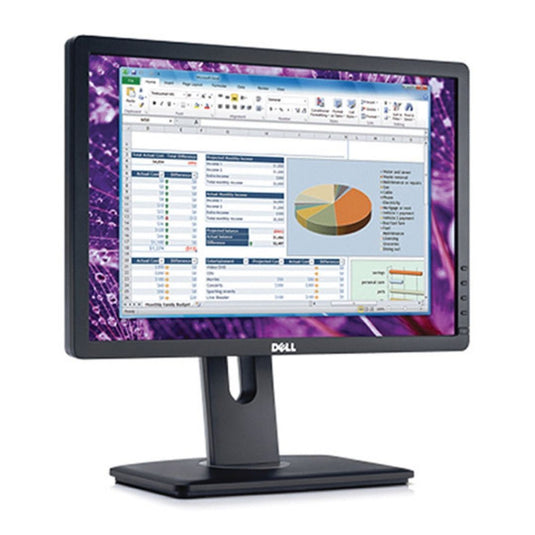
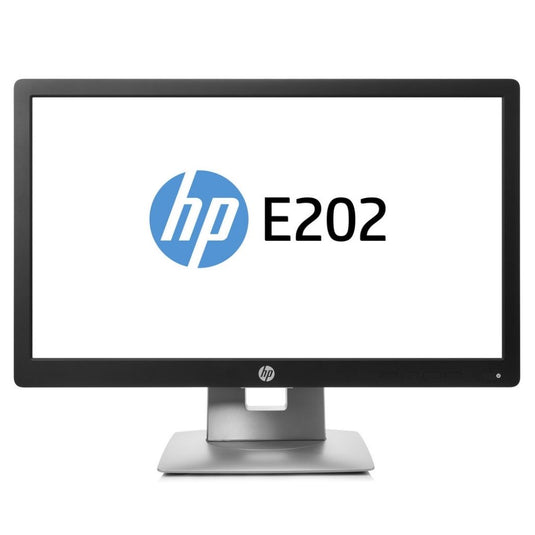
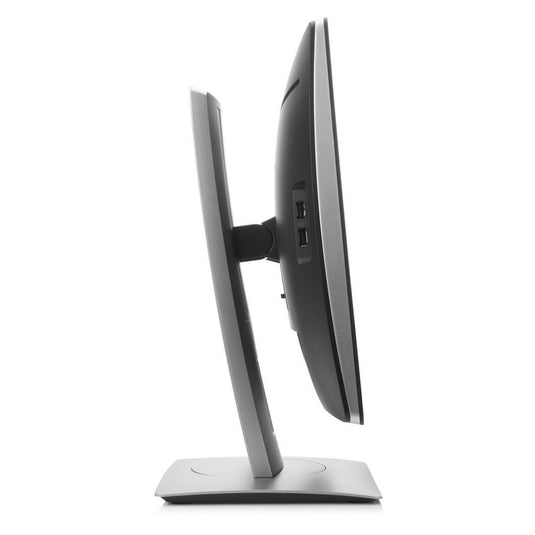
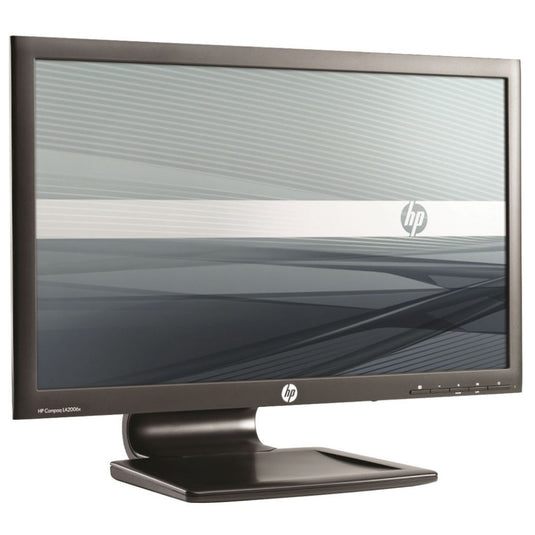
- One or more monitors
- A printer with duplex printing capabilities
- A scanner
- Speakers
Pay Attention to the Warranty
Before finalizing a purchase, review the warranty. What does it cover, and for how long? Are there any notable exceptions?
System Liquidation, for instance, offers a one-year product warranty and a 90-day battery warranty. Starting at the original purchase date, our product warranty covers any and all product defects.
Save Even More on Refurbished With System Liquidation
Refurbishment is already a pretty cost-effective way to purchase a computer. With System Liquidation, you've got an opportunity to save even more. Check out our promotion page for details of our latest sale, with discounts on laptop computers, desktops, and monitors. All orders come with a 1-year product warranty, 90-day laptop battery warranty, and free shipping across the U.S.
Whether you're a parent preparing your child for elementary school, a high school sophomore, a new college entrant, or a graduate student, System Liquidation makes it easy to find the perfect system without breaking the bank.
Don’t wait! Gear up for the school year with unbeatable deals on refurbished laptops and desktops.