Why Refurbished PCs Are the Smart Choice For Healthcare IT

Your healthcare practice thrives on precision and efficiency, but outdated computers and slow systems can hinder your progress, waste valuable time, and compromise patient data security. Every click, chart, and appointment depends on reliable technology.
Refurbished PCs allow you to upgrade your office IT without exceeding your budget. They deliver business-grade performance, built-in security, and full compatibility with healthcare software and patient management systems.
For practices still running Windows 10, upgrading to Windows 11 on a refurbished machine is a smart way to protect sensitive data and future-proof your workflow.
Keep reading to discover why refurbished PCs are the cost-effective, secure, and reliable solution your dental, medical, PT, Chiropractic, or any other healthcare office needs, and how they can streamline your operations while safeguarding patient information.
Upgrade Your Office Without Breaking the Budget
Dental offices rely on high-performance computers to run software for imaging, charting, billing, and scheduling. Outdated PCs can slow down daily operations, frustrating staff and reducing patient satisfaction.
Refurbished computers enable practices to invest in modern IT without incurring thousands of dollars in expenses for brand-new equipment. These systems are business-grade, meaning they handle heavy software workloads, multitasking, and cloud integrations without lag.
For example:
- A solo dentist outfitting two practices can save over $1,000 by choosing refurbished desktops.
- A multi-location dental practice equipped with 10 or more operatories can reduce upfront costs by 40–50%, freeing up capital for other investments, such as new chairs or digital X-ray machines.
A Deep Dive into Healthcare Refurbished Computers
Data breaches in healthcare can have serious consequences, from HIPAA violations to legal penalties. Each refurbished PC from System Liquidation is thoroughly wiped and tested to ensure your patient information remains secure.
But security isn’t the only advantage—performance and productivity matter just as much in a busy dental office. That’s where the operating system comes into play. With support for Windows 10 ending in October 2025, now is the ideal time for practices to future-proof their IT.
Upgrading to Windows 11 adds:
Snap Layouts and Virtual Desktops
Juggling patient charts, imaging software, billing systems, and scheduling tools is easier than ever. Snap Layouts enable staff to arrange multiple windows on a single screen, while virtual desktops facilitate the separation of workspaces, allowing for one dedicated to patient records, another to billing, and a third to imaging. This strategy reduces errors and streamlines workflow.
Built-in Microsoft Teams Integration
Communication in a dental office is constant, whether it involves coordinating with front desk staff, consulting with a hygienist, or sending patient follow-ups. Windows 11 integrates Teams directly into the OS, making video calls, chat, and file sharing seamless. Staff no longer need to toggle between multiple apps, which improves efficiency and reduces the likelihood of missed messages.
Auto HDR and Improved Memory Management
High-resolution imaging software requires serious graphics processing. Auto HDR enhances visuals for imaging, while improved memory handling ensures better operation even when multiple applications are running simultaneously. Dentists and hygienists can view detailed X-rays without lag or image quality issues.
Security Enhancement
Dental practices and other healthcare offices running Windows 10 after October 14, 2025, risk exposure to cyberattacks, unsupported software, and compliance issues. A Windows 11-ready refurbished PC mitigates all these risks while improving performance.
Virtualization-based security, hardware-based isolation, and ransomware protection mean patient records are far more secure. Combined with Windows 11's automatic updates, these features reduce vulnerabilities, ensure software compliance with HIPAA, and protect against emerging cyber threats.
Key Security Features Every Dental Practice Needs
One data breach can ruin a dental practice overnight. Patient records can be exposed, your office could face HIPAA fines, and your reputation would undoubtedly take a hit, all because your computers weren’t secure enough. Outdated systems and unsupported software are low-hanging targets for cybercriminals. The good news is, you can outsmart them with:
- Encrypted patient data: Protect charts, X-rays, and billing records from unauthorized access
- Secure Boot and TPM 2.0: Ensures only trusted software runs, blocking malware at startup
- Automatic security updates: Keep Windows 11 and dental software protected against emerging threats
- User access controls: Limit who can view or edit sensitive patient information
- Compliance-ready configurations: Systems prepped to meet HIPAA requirements make audits simpler and safer
Why Dentists Should Choose Refurbished Desktop PCs
Dental IT software can be demanding. Consider:
- Imaging software like Dexis, Planmeca, or Carestream
- Practice management systems like Dentrix, Eaglesoft, or Open Dental
- Cloud-based charting and billing systems
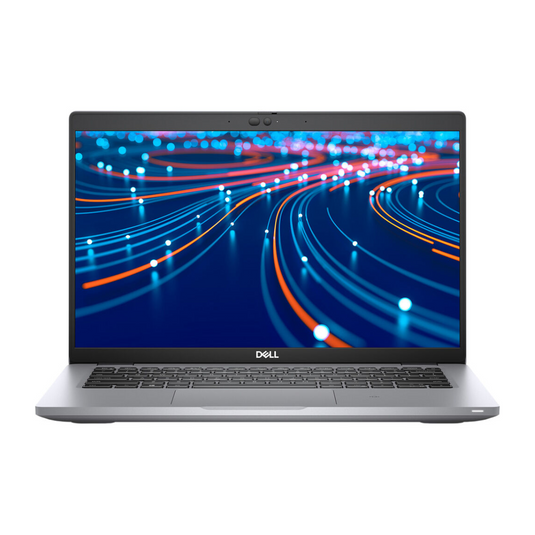
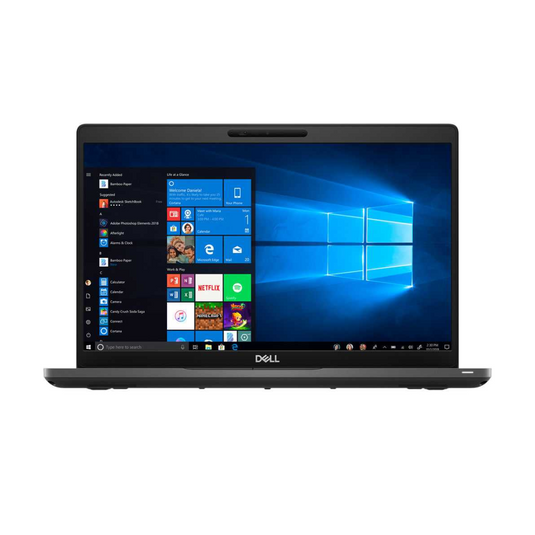
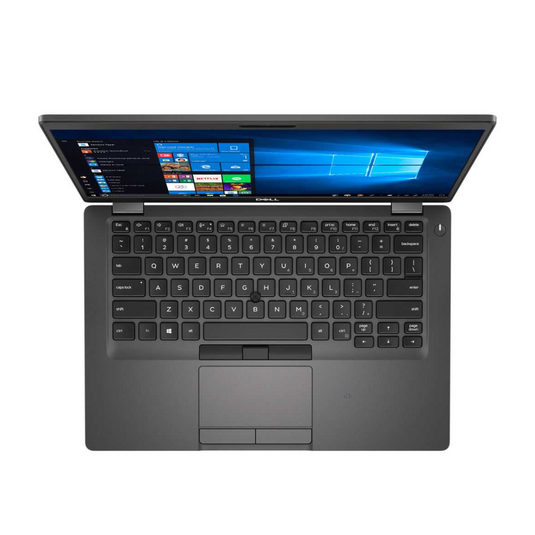
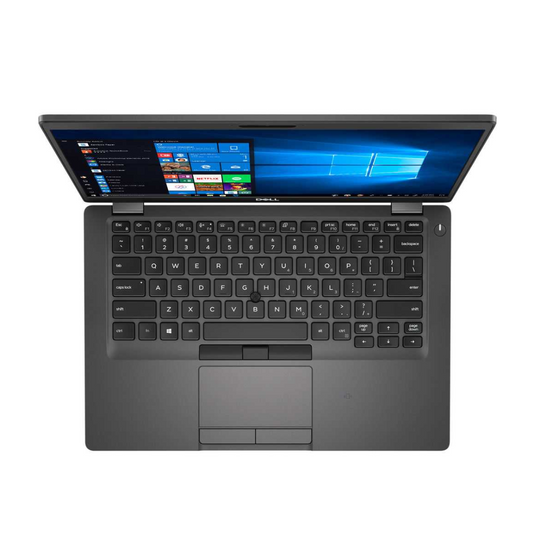
Refurbished PCs are fully capable of running these applications efficiently, especially with upgraded RAM and SSD storage. Practices can choose from refurbished desktops for stationary operatories or reconditioned laptops for portable use, depending on workflow.
Bulk purchasing options enable dental offices to outfit multiple operatories simultaneously, with identical setups that simplify troubleshooting, maintenance, and staff training.
Avoid IT Downtime and Frustration
Downtime in a dental practice can be costly, resulting in missed appointments, delayed billing, and frustrated patients. Refurbished PCs are tested for reliability, ensuring you spend more time with patients and less time on IT issues.
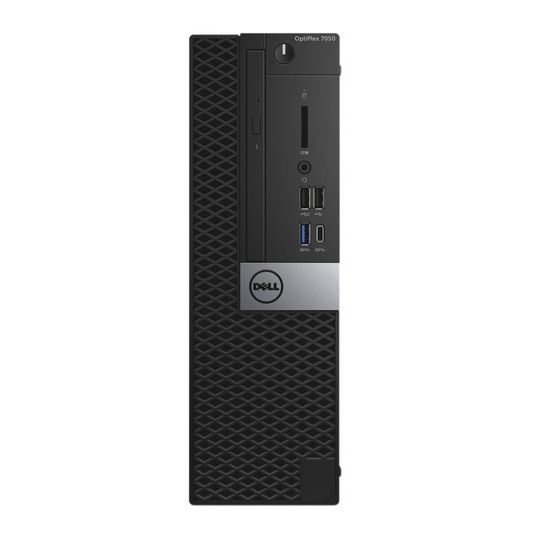
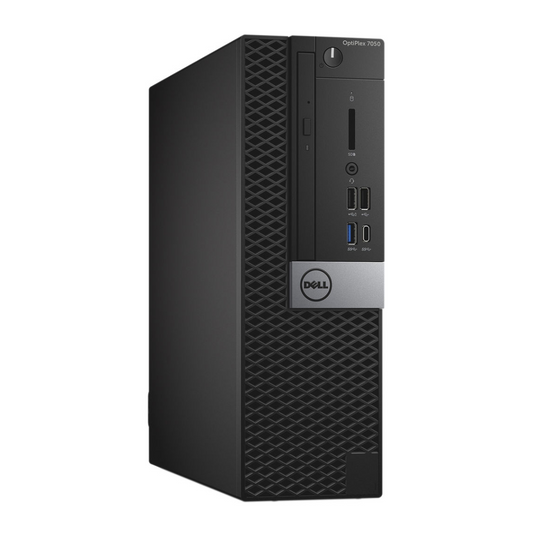
Example: A 3-operatory practice can upgrade to refurbished Dell OptiPlex machines. Within one week, they can install all systems with Windows 11, train their staff, and run faster software than previous consumer-grade PCs.
Hardware Considerations for Dental IT
Investing in the right hardware is just as important as investing in the right software. Refurbished PCs can meet modern dental office demands, but make sure they check these boxes:
- Minimum RAM: 16GB is ideal for multitasking. Running imaging software, charting programs, and cloud-based tools simultaneously requires a substantial amount of memory.
- Storage: A 512GB SSD or larger ensures that your X-rays, patient charts, and billing data have fast and reliable storage. SSDs also reduce boot times and software loading delays.
- Processors: Intel i5 or i7 (or equivalent) provide the speed for high-demand dental applications. Faster CPUs result in smoother multitasking and reduced waiting time between tasks.
- GPU requirements: Imaging software often relies on dedicated graphics processing for rendering detailed images. Ensure your refurbished PC has a compatible GPU to avoid slowdowns.
- Optional features: Touchscreen monitors or laptops can be highly beneficial for chair-side use, making it easier for staff to update charts or display patients' X-rays in real-time.
Cost-Benefit Analysis
By choosing refurbished tech, practices get modern performance and security without overspending. The ROI is immediate: faster software, fewer interruptions, and lower ongoing IT costs.
Here’s a quick comparison:
|
Aspect |
New PC |
Refurbished PC |
Benefit |
|
Cost per Unit |
$1,200–$1,800 |
$400–$600 |
Save $600–$1,200 per machine |
|
Upgrade vs. Replacement |
Often expensive upgrades |
Refurbished pre-configured |
Affordable, hassle-free |
|
Long-Term ROI |
Depreciates quickly |
Business-grade, lasts 5–7+ years |
Lower IT support costs, fewer crashes, and extended lifespan |
|
Compatibility |
May need add-ons |
Windows 11 is ready, tested |
Smooth workflow, future-proof |
FAQs About Refurbished PCs
Will refurbished PCs run dental imaging software without slowing down my practice?
Absolutely. Business-grade refurbished PCs are rigorously tested to handle even the most demanding dental software, including imaging, charting, and scheduling programs. Worried about lag or crashes during patient appointments? These systems are optimized for multitasking, allowing your team to open multiple programs simultaneously without experiencing performance hiccups.
Are refurbished PCs HIPAA compliant, and how can I ensure my patient data is secure?
Yes. When configured with Windows 11 and the correct security settings, refurbished computers meet HIPAA requirements for protecting patient records. Concerned about audits or data breaches? These systems come prepped with encryption, secure boot, and access controls, so even if someone tries to hack your network, sensitive information stays protected.
Can I buy multiple units for my office and ensure they all work seamlessly together?
Yes. Bulk purchasing options are available for dental offices, and providers like System Liquidation ensure consistent hardware setups across all workstations. Nervous about tech compatibility or uneven performance across operatories? With identical configurations, your staff will experience uniform speed, reliability, and workflow efficiency.
What about warranties and support if something goes wrong?
Trusted providers include warranties with every refurbished PC, giving you peace of mind that your investment is protected. Most warranties cover hardware defects, and reputable sellers typically provide technical support, which minimizes downtime and ensures your practice runs smoothly.
Will upgrading to refurbished PCs and Windows 11 disrupt my existing workflow?
Not at all. Refurbished PCs can be installed and configured with your dental software before they arrive, and Windows 11 ensures compatibility with modern applications. The transition is seamless, with interfaces that feel familiar yet incorporate enhanced security and performance benefits.
Are refurbished PCs a safe long-term investment?
Yes. Many refurbished systems are commercial-grade machines built to last 5–7 years or more. With Windows 11 and upgradeable components like RAM and SSDs, these PCs can grow with your practice while staying secure and reliable.
Don’t Let Outdated PCs Put Your Practice (and Patients) at Risk
Every day you delay upgrading your office computers increases the risk of data loss, ransomware attacks, and software incompatibility.
Refurbished PCs from System Liquidation provide a cost-effective solution. They deliver business-grade performance, built-in security, and full compatibility with dental software while staying within your budget.
From solo practices to multi-location clinics, investing in refurbished desktops and laptops ensures smooth workflows, faster imaging, and happier staff and patients. Windows 11, pre-installed or upgrade-ready, protects your practice against cyber threats, HIPAA compliance issues, and technology obsolescence.
Upgrade your healthcare practice office now with refurbished PCs and safeguard your business, staff, and patients while keeping your IT costs under control.
Shop The Best Refurbished Computers Money Can Buy